- Elegant
- Basic
- Productive
- Premium
- Enterprise
- Humanize

Words : 0 / 1000
Words: 0



Free Paraphrasing Tool – Rewrite Text Online
Need a better way to say something? Our free paraphrasing tool helps you rewrite sentences and paragraphs in clear, natural English. Change your wording, improve readability, and express your ideas in a fresh way while keeping the original message in mind.
Paste your text, choose a paraphrasing mode, and get a rewritten version in seconds. Whether you are a student, writer, blogger, or professional, you can use our online paraphrasing tool to make your writing easier to read and understand.
Start paraphrasing for free. No account is needed to get started.


Our Awesome Features
More About Our Online Paraphrasing Tool
Our online paraphrasing tool helps you rephrase sentences and rewrite paragraphs in clear, easy-to-read English. Whether you want to improve a sentence, avoid repeated words, or make your writing flow better, it offers a simple way to explore different ways of expressing your ideas.
Students, writers, bloggers, and professionals can use our paraphrase tool for a range of writing tasks. You can start with the available free features and explore paid plans if you need additional functionality.
Here are three key benefits that explain how our paraphrasing tool can help you improve your writing.

Flexible Paraphrasing Modes
Choose from different paraphrasing modes to suit your writing needs. Whether you want to change sentence structure, improve clarity, or explore alternative wording, select a mode that matches your goal.

Natural and Readable Rewriting
Our paraphraser edits the provided text just like a human would. The changes it makes are smart and contextually accurate. If you have to paraphrase text on a regular basis, you can save money on hiring an actual writer.
Keeps the Original Meaning in Focus
A good paraphrase should communicate the original idea in different words. Our tool aims to retain the main message while changing the wording. Always review the result to check its meaning, facts, and context.
What Are the Main Features of Our Paraphrasing Tool?
Our online paraphrasing tool helps you rewrite text, improve readability, and express ideas in different words. From simple sentence changes to longer passages, explore useful features that make paraphrasing and rewriting easier.
Easy-to-Use Interface
Our paraphrasing tool is simple to use, even if you have never tried a rephrase tool before. Paste your text, choose a suitable mode, and generate a rewritten version in a few clicks. The clear interface helps you focus on improving your writing without extra steps.
Large Text Input Limit
Need to paraphrase a long paragraph or several sentences? Our tool lets free users enter up to 1,000 words at once, so you can rewrite more text in a single session. This makes it useful for editing articles, study notes, reports, and other writing tasks.
Multiple Languages Supported
Writing in another language? Our paraphrasing tool supports English, Spanish, Indonesian, and Portuguese. You can use the available language options to rephrase text and explore different ways to express your ideas. Always review the result to make sure the wording sounds natural and keeps the intended meaning.
Different Ways to Rewrite Text
Our paraphrase tool helps you explore alternative wording for sentences and paragraphs. It can suggest different words and sentence structures to improve clarity, reduce repetition, and make your writing easier to read. Review the output carefully to check its accuracy and originality.
Convenient File Uploads
Save time when working with existing documents. Instead of copying and pasting all your text manually, upload a supported file from your device using the file upload feature. The tool can then bring the text into the input area for paraphrasing, helping you get started with fewer steps.
Download Your Rewritten Text
Want to save your paraphrased content for later? Use the available download feature to save your rewritten text as a TXT file. You can keep it for future editing, add it to your notes, or use it as a starting point for your next writing task.
24/7 Customer Support
Have a question about using the paraphrasing tool or choosing a plan? Our support team can help you understand the available features and resolve common issues. Contact us through the support options provided on our website whenever you need assistance.
Plans for Different Writing Needs
Whether you need a simple rephrase tool for everyday writing or additional features for regular content work, you can choose a plan that fits your needs. Start with the free version and explore paid options if you need more functionality. Check our pricing page for current plans, features, and costs.
Paraphrase Text Without Signing Up
Want to rewrite text without creating an account? You can start using the available free paraphrasing features without registering with your email. Paste your text, choose a mode, and begin paraphrasing. Some additional features may require a paid plan or account.
Works Across Different Devices
Paraphrase text wherever you work. Our online rewrite tool can be accessed through a supported web browser on desktop computers, laptops, tablets, and mobile phones. All you need is an internet connection and a compatible browser to get started.
How to Use Our Online Paraphrasing Tool
Rewriting your text is simple. Follow these steps to get started.
- Add your text: Copy and paste the sentence or paragraph you want to rewrite into the input box. You can also use the file upload option if it is available to you.
- Choose a paraphrasing mode: Select the mode that best matches your goal. You can make small changes, improve readability, or try a different writing style.
- Click the paraphrase button: Let the tool process your text and create a rewritten version.
- Review your new text: Read the result carefully. Check that it still expresses your intended meaning and that the wording fits your needs.
- Copy or download your result: Once you are happy with the rewritten text, copy it or use the available download option to save your work.
To start over, you can simply click on the “Clear Result” button.

Basic
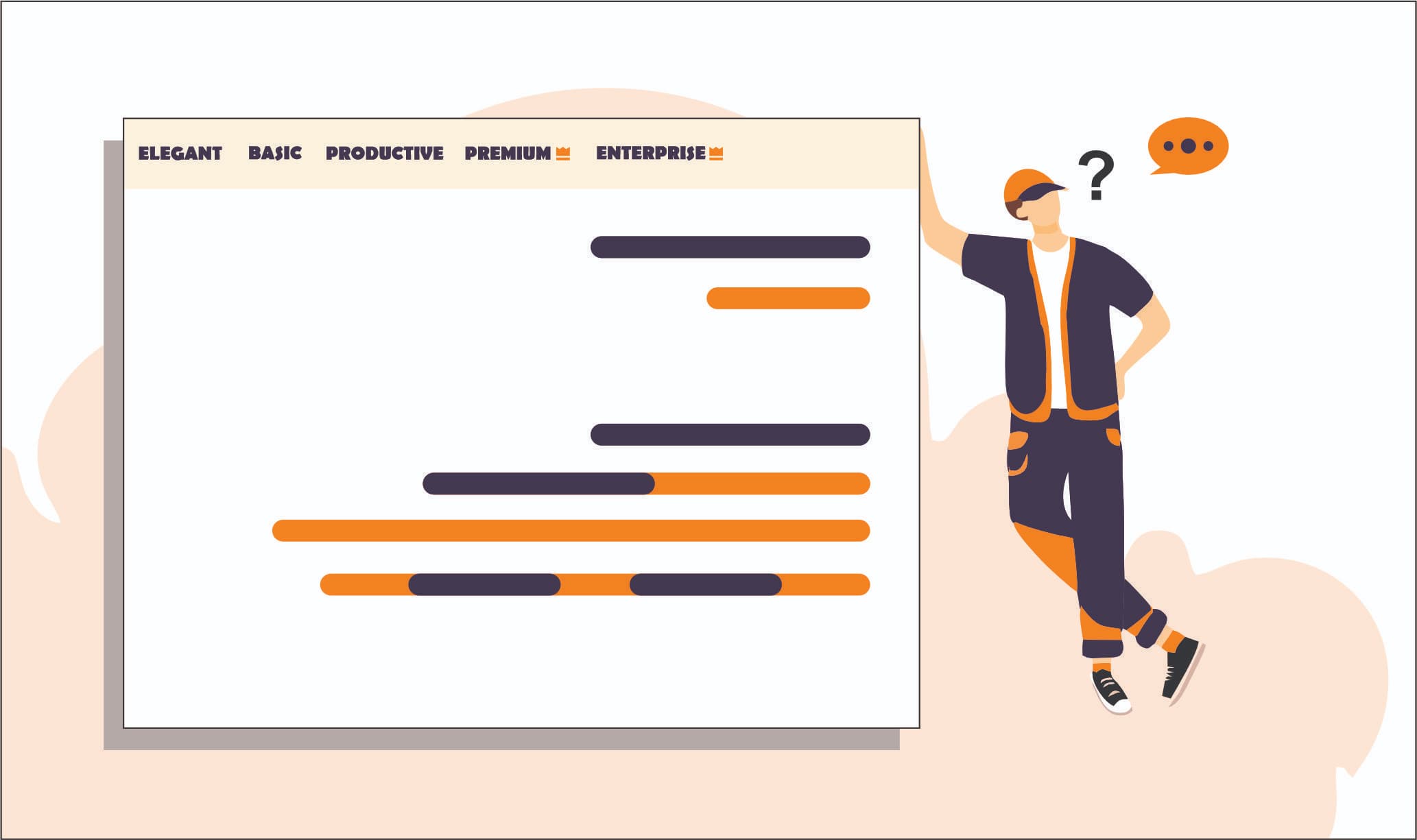
Basic mode is useful when you want to make small changes to your text. It offers a straightforward way to reword sentences without making major changes to the message.
Best for: Simple sentence changes, everyday writing, and minor edits.

Elegant
Elegant mode aims to make your writing smoother and more polished. Use it when your text needs better flow or a more refined style.
Best for: Blog posts, articles, emails, and general content editing.

Productive
Productive mode makes broader changes to the wording. It can help when you want a different version of your text rather than a few small edits.
Best for: Rewriting longer passages, refreshing drafts, and exploring alternative wording.

Premium
Premium mode provides more advanced rewriting by changing sentence structure and phrasing. It is designed to give your text a more distinct version while aiming to preserve the original message.
Best for: Detailed rewriting and content that needs more extensive edits.

Enterprise
Enterprise mode is designed for users who need to paraphrase larger amounts of text. It can be useful when you work with multiple passages or have a high volume of content to revise.
Best for: Large writing tasks and repeated content-editing work.
Humanize
Humanize mode aims to make wording sound more natural and conversational. It can help smooth out stiff or awkward sentences, but the result should always be reviewed and edited to reflect your own voice.
Best for: Improving the flow of drafts and making formal or robotic-sounding wording easier to read.


Who Can Use a Paraphrasing Tool?
A paraphrasing tool can help people with many different writing needs. Here are some common ways to use it.

Students
Students can use a paraphrasing tool to make study notes easier to understand, improve sentence clarity, and learn different ways to express ideas. Sources ko cite karein aur apne school ke academic rules follow karein.

Content Writers
Writers often need to express ideas clearly without repeating the same phrases. A paraphrasing tool can help them explore alternative wording, improve readability, and polish early drafts.

Bloggers
Bloggers can use a paraphrasing tool to revise paragraphs, improve the flow of articles, and make content easier for readers to follow. Every rewrite should still provide useful information and reflect the writer's own understanding.

Digital Marketers
Marketers write emails, product descriptions, social posts, landing pages, and other content. A paraphrasing tool can help them test different ways to communicate a message and adjust wording for their audience.

Researchers
Researchers can use a paraphrasing tool to help explain complex ideas in simpler language. However, changing the wording does not remove the need to credit the original research or verify technical details.

Professionals
Professionals can use the tool to refine emails, reports, proposals, and workplace documents. Clearer writing helps readers understand the main point without unnecessary words.
Testimonials